One decision, not five
Choose once. Stop re-deciding at 5 p.m.

“What's for dinner?” lands around 5 p.m., and by then you have already decided a hundred other things. Choose the dinners you will actually cook — three, five, all seven — once a week; DinnerRoster turns them into a full seven nights and one grocery list, so the answer is waiting instead of costing you another decision.
Build your week free · a free account opens it · no card
You pick 4 dinners. The ones your family actually wants.
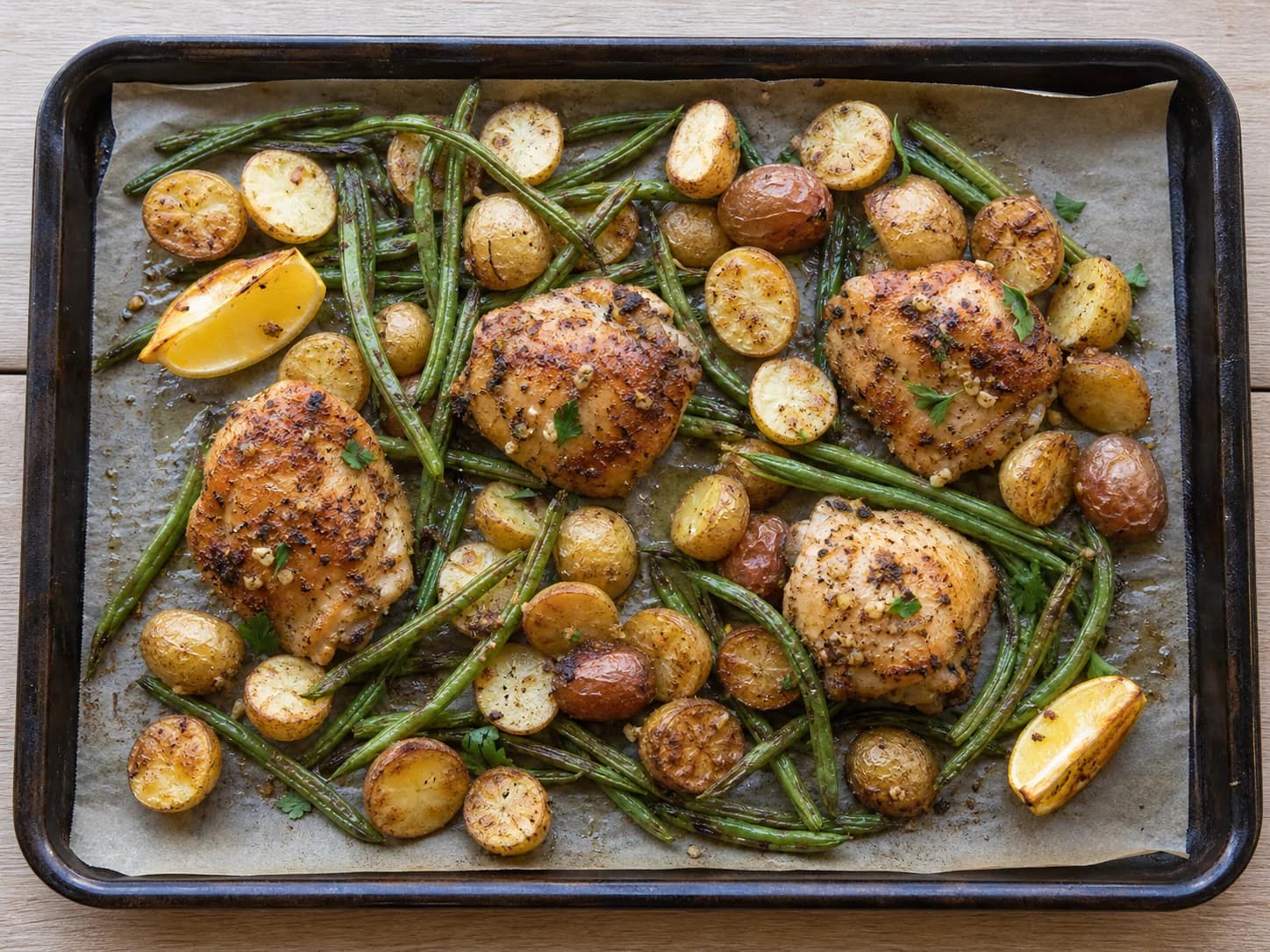 Lemon-herb chicken35 min
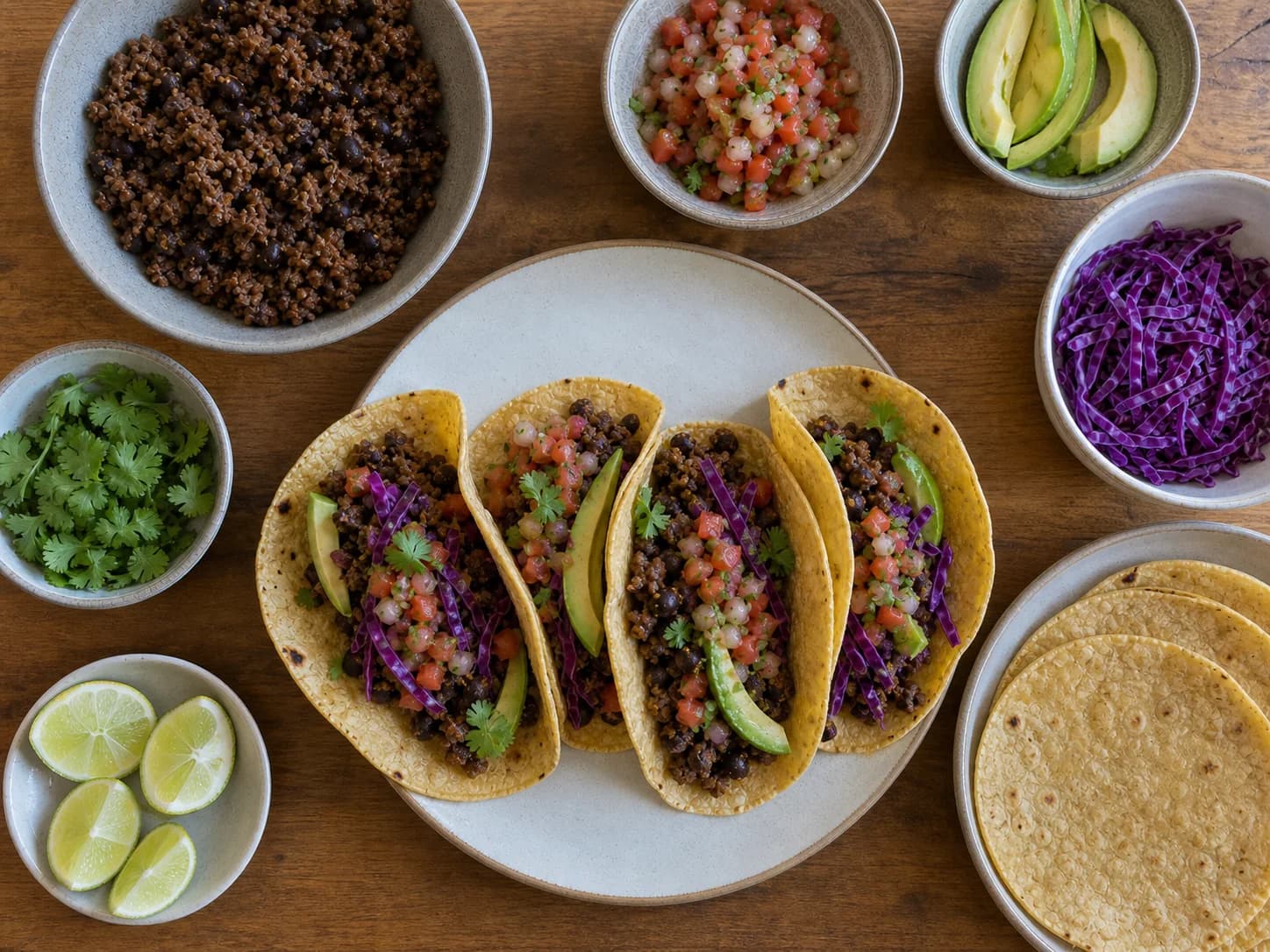 Beef taco night25 min
 Honey-soy chicken bowls25 min
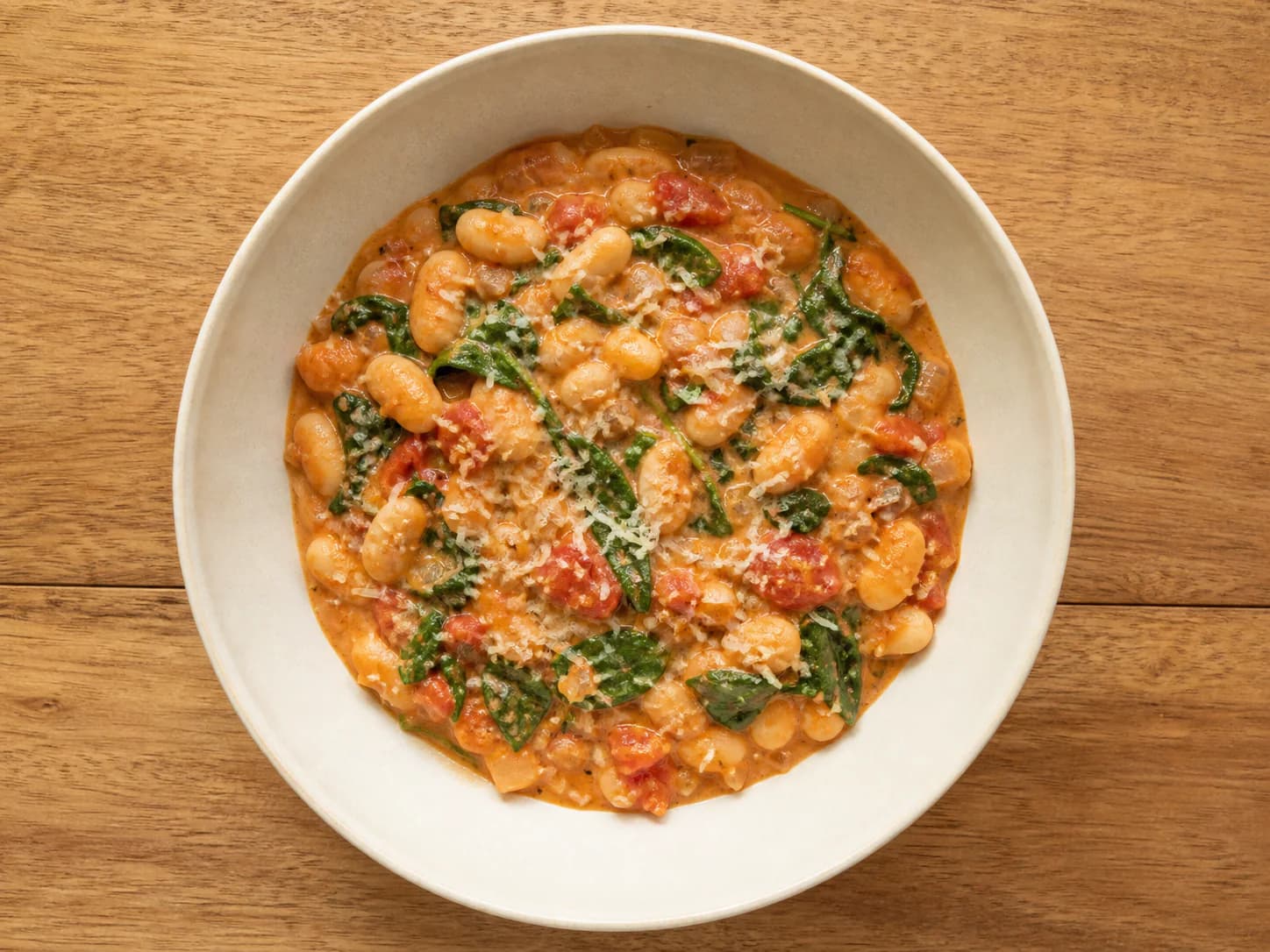 Creamy tomato white beans25 min
DinnerRoster plans all 7 nights. Cook 4, eat leftovers once, leave the rest honest.
Choose once. Stop re-deciding at 5 p.m.
Sized for your household and grouped by aisle.
A planned second night, not a hopeful container.
Tonight, the cooking and the list are all in one place.
A folder full of ideas still leaves you deciding when to cook, how much to buy, what becomes leftovers, and what happens when plans change. DinnerRoster connects those decisions into one household system.
 Beef & black bean taco night25 min1
 Honey-soy chicken bowls25 min2
 Veggie egg fried rice20 min3
DinnerRoster does not pretend to know your family on day one. You start it with a few good choices; each real week gives the next one a better starting point.
DinnerRoster handles the portions, sequence, reliable leftovers, flexible nights, and one consolidated list.
Move, replace, add, or skip a future dinner. The rest of the week and the groceries it still needs stay in sync.
Favorites return sooner, hard no's stay out, and ordinary recent meals rotate instead of taking over.

25 min · dinner for 4
The week is not a document you make and forget. It becomes the household's daily answer: what to cook, how much to make, what tomorrow looks like, and what the remaining dinners still need from the store.
Recipe, time, people, and Start cooking are together.
Leftovers and open nights are part of the plan, not gaps.
The win isn't a prettier calendar. It's not carrying dinner in your head all day.Build my week
A plan only counts if the night it covers actually happens. DinnerRoster walks you through the dinner one step at a time, and keeps both adults on the same week without a second copy of anything.
Rate only what you actually cooked. DinnerRoster uses that signal when it prepares next week—no notes, stars, or weekly questionnaire.
Your family tapped Loved it.

Your family tapped Not again.
Ordinary dinners from last week move back.
No blind autopilot on day one. Start with dinners you genuinely want, then let cooked-meal feedback shape what comes back.
 Build your own
 Fast favorite
 Vegetarian
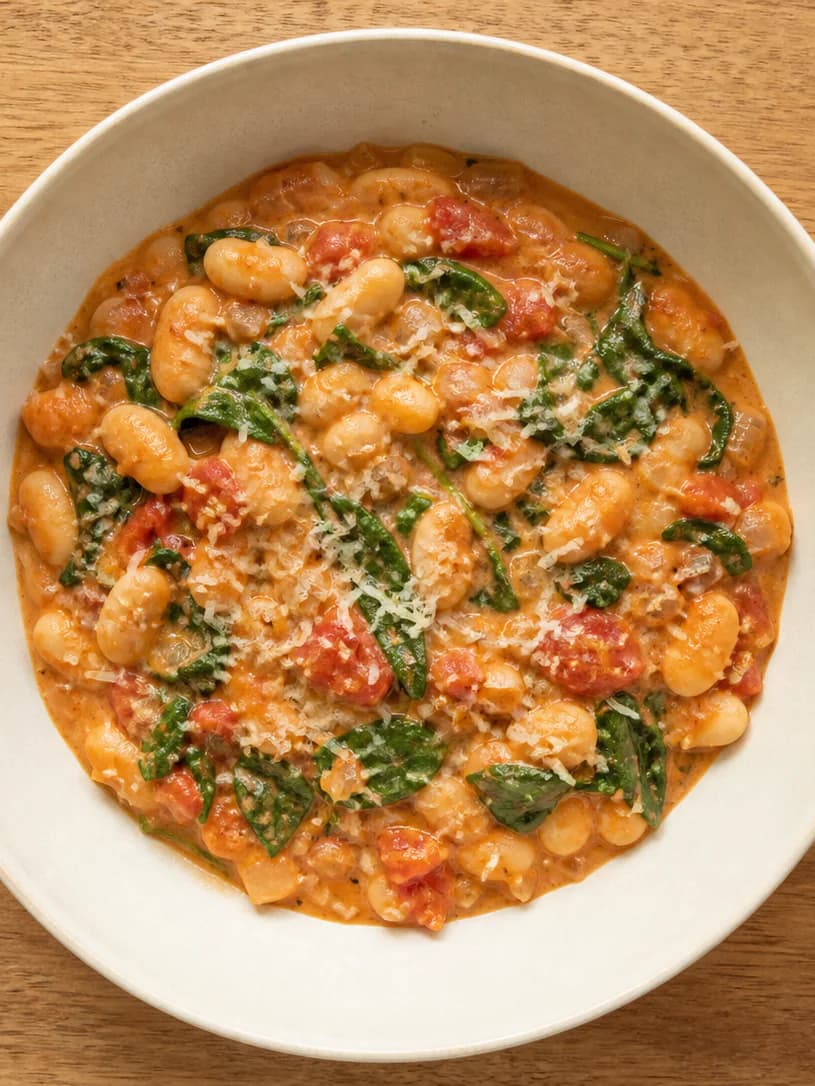 Budget dinner
The catalog is public: read the ingredients, steps and estimated nutrition of every dinner before you sign up for anything.
Browse all 82 dinnersOn Tuesday I got home late and didn’t have to decide anything. Dinner, the quantities, and what we were saving for Thursday were already there.
The grocery list is what surprised me. I stopped buying for seven imaginary cooking nights and bought what our four actual dinners needed.
My partner can see the same week, so I’m not sending screenshots or explaining what the chicken was for. It sounds small, but it’s why we both use it.
Not a demo of the week—the week itself. You cook it, shop it, change it, and rate it. A free account is what opens it, so the week can follow you to the store. DinnerRoster asks for a subscription only when you build a second week.
Nothing is held back in week one.No countdown, no card on file, no feature waiting behind a paywall while you cook. Just a free account, so the week is yours to keep.
Or $9.99 month-to-month · cancel anytime
The free week needs a free account and no card. You pick a plan only when you start a second week.
What the system does today, what stays in your control, and what the free first week includes.
As many as you actually cook: anywhere from three to seven. Four is only the starting point, because planning seven dinners you were never going to cook is how most meal plans end in wasted food. Whatever you leave uncooked, DinnerRoster fills honestly — a planned leftovers night when a recipe genuinely reheats well, and nights simply left open, with nothing to cook and nothing added to your list.
Everything, for seven nights: your week, the household-sized grocery list you check off as you shop, guided cooking with per-step timers, one-tap feedback after each dinner, and a share link. No card is asked for at any point in that week. A subscription is asked for only when you build a second week.
You can pick your dinners and see the whole seven-night plan without one. Using that week — opening the grocery list, cooking it, rating it, sharing it — needs a free account, created with a 6-digit code sent to your email or with Google. It is free and no card is involved; it exists so the week can leave this browser and come back tomorrow.
Nothing is charged, because nothing was set up to charge you: there is no trial running in the background and no card on file. When you want a second week you choose a plan then — $9.99 a month or $59.99 a year — and it can be cancelled at any time.
Yes. Send them an invitation link from your household. You each sign in to your own account and open the same week and the same grocery list, so there is no second copy to keep in sync.
DinnerRoster will not force them. A leftovers night is added only when a recipe’s batch size and reheating profile support it. Otherwise, that night stays flexible.
Yes. Your week covers seven consecutive dinners from today—or tomorrow if you build after 3 p.m. You do not have to wait for Monday.
The list of groceries needed by the remaining dinners recalculates. After a cooked meal, one-tap feedback also guides next week.
No. It creates and maintains one household-sized list; it does not place the order or lock you into a grocery store.
Choose your dinners and see your whole week before DinnerRoster asks you for anything but a free account.